Plan together
Plan it. Share it. Go together.
From packing and tasks to meals, seating and budgets — organize in one hub and your whole group — or family — stays in sync.
✓ Free plan always available — no card required.

New · Closet scan
Snap a photo. Get a packing list.
Point your camera at an open closet or a drawer and Ensemble detects each packable item — shirts, shoes, toiletries, gear — and turns them into ready-to-review library items. No typing, no forgetting what you own.
- Photo → auto-detected items, sorted by category.
- Review the results side by side with your photos before anything is saved.
- Your originals are deleted right after analysis — items only.
How it works
Three steps to a plan everyone shares
Create
Start a trip, dinner, or gathering and add the people involved.
Invite
Bring your group or family in. They can join free to follow along, or connect their own account to manage their part.
Coordinate
Everyone sees one shared plan — packing, tasks, seating, meals, and costs, always in sync.
Collaborate
One plan, everyone on board
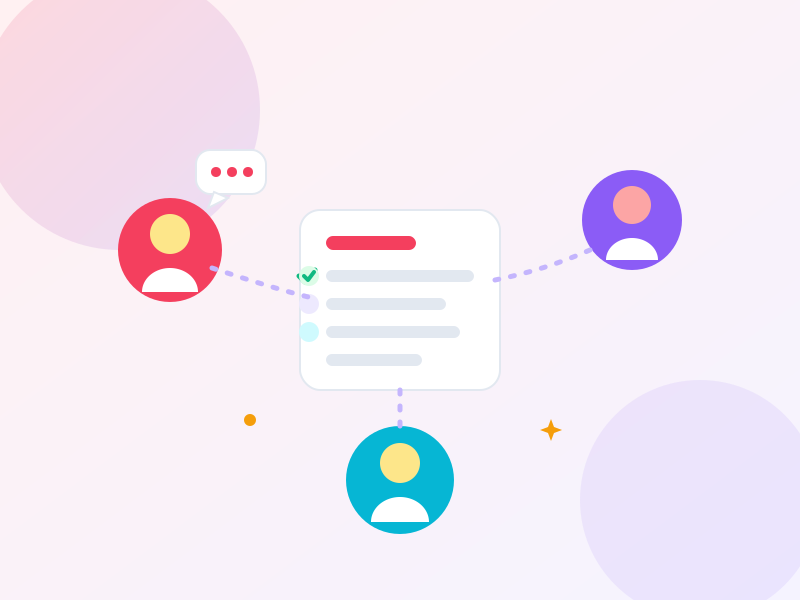
Invite anyone to your trip and hand out the details. Connect the people you plan for to their real Ensemble accounts so they can manage their own items — and let the group claim who brings what, so nothing gets packed twice or forgotten.
- Inviting your whole group is free — no one needs Pro to join and plan together.
- Public or private items and traits: you control what's shared.
- Live who-brings-what, visible to the whole group.
- Discuss, vote in quick polls, and track every change in one shared activity feed.
- Built to be dependable — Ensemble watches its own reliability, so your plans load fast and stay put.
Smart packing
The right stuff, every time
Ensemble builds each person's packing list from the trip's length and activities, adds weather-based packing tips, then helps you sort out who's carrying what in each bag — all in one uncluttered view. No more last-minute "did anyone pack the charger?"
- Weather-based packing tips: swimsuit, rain jacket, or warm layers — in your units (°F or °C).
- Itinerary- and activity-driven suggestions.
- Per-person or shared group items, organized by category — including carry-on.
- Simple named bags so everyone knows who's carrying what.
- Find any item in seconds: Ensemble remembers which bag it's in, so no one unpacks a whole bag just to hunt for one charger.

Dinner & gatherings
Seat everyone, feed everyone
Planning a dinner or party? Ensemble arranges guests around visual table layouts — round, oval, or long banquet tables — from who-sits-with-whom rules, and plans dietary- and allergy-aware menus, plus potluck assignments so guests claim the dish they'll bring.
- Visual table layouts: round, oval, square, and long tables.
- Auto-seating: alternating, conflict-reduction, kids table.
- Menus that respect every diet and allergy.
- Potluck claims so the table fills itself.

Costs
Split it without the spreadsheet
Track every expense in any currency, see who owes what, and settle up with the fewest possible transfers.
- Multi-currency expense tracking with custom categories.
- Set a trip budget and watch what's left.
- Fair splits, including uneven shares.
- One-tap settle-up.
- Export costs & itinerary to CSV or a print-ready PDF.

Reusable library
Your people & their stuff, ready to reuse
Save your people and their stuff once, and Ensemble reuses them across every event — smart-matching the right items to each new trip so you start ahead, not from scratch.
- A personal library of people, traits, and belongings.
- Reused and tailored automatically for each event.
- Templates to start any event in seconds.

Import & automate
Skip the busywork
Bring in your real plans automatically. Import itineraries from TripIt, Amadeus, or any calendar feed, and see the forecast right on your trip overview.
- TripIt account sync and calendar-feed import.
- Amadeus and universal .ics import.
- See every stop plotted on an interactive trip map.
- A live forecast when your trip is near, the typical climate when it's further out.

Tasks & to-dos
Assign it, don't chase it
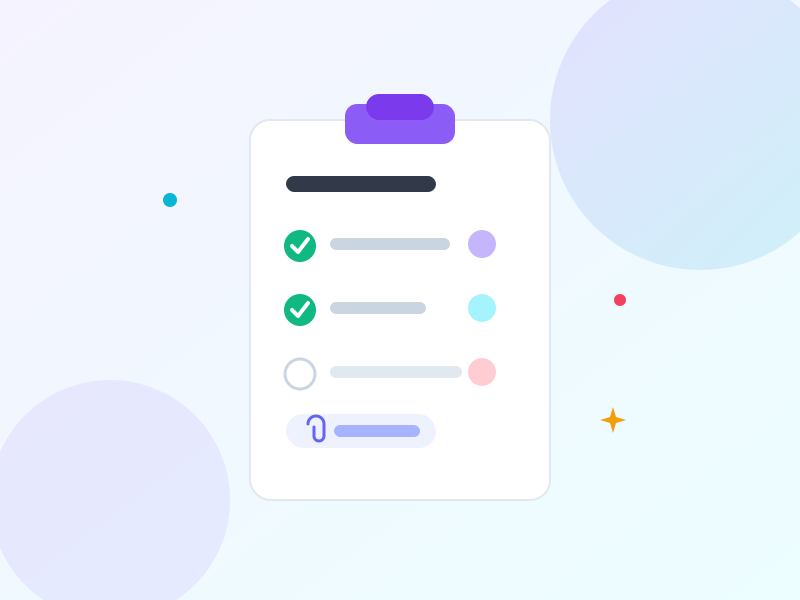
Divvy up the to-dos — book the rental, grab the permits, confirm the reservation — and give each one an owner and a due date. Attach the confirmation email right to the task, then turn it into an itinerary activity when it's booked.
- Assign tasks with due dates and clear owners.
- Attach confirmation emails and links to any task.
- Promote a done task straight into your itinerary.
Pricing
Start free. Upgrade when you're ready.
Sharing and inviting your group or family are always free. Pro unlocks unlimited events and advanced planning.
- Unlimited events — plan as many trips & dinners as you like
- Your reusable people & their stuff
- Per-person packing lists
- Weather-smart packing tips
- Invite your whole group & share events
- Shared task lists
- Single-segment itinerary
- Expense totals, budgets & custom categories
- Everything in Free
- Advanced collaboration — connect real accounts & shared-item claims
- Templates & event copy
- Manual bag plans & packing groupings
- Multi-segment itineraries
- Seating charts & menu planning
- Cost settle-up
- Smart assistant — packing, prep & menu suggestions
- CSV & PDF export
FAQ
Questions, answered
Is Ensemble free?
Yes — there's a free plan you can use forever, plus a free trial of Pro. No card required to start on the free plan.
How many events can I create on the free plan?
As many as you like! The free plan now includes unlimited events — plan every trip and dinner without counting. Upgrade to Pro when you want the deeper coordination tools like templates, seating charts, menu planning, and cost settle-up.
Do the people I invite have to pay?
No — and you don't need Pro to invite them, either. Anyone can share an event and bring their whole group in for free. Pro unlocks unlimited events and advanced planning for the organizer.
What can I plan?
Trips, camping, and business travel; dinners with seating and menus; and gatherings for your whole group or family — with shared packing, tasks, and costs across them all, plus more event types on the way.
Will it work with my bookings?
Yes — import from TripIt, Amadeus, or a calendar feed, and Ensemble shows the forecast for your dates on the trip overview (or the typical seasonal climate when they're further out) to guide packing.
Is my data private?
You decide. Items and traits can be public or private, so you control exactly what the group sees.
Can I use it on my phone?
Ensemble runs in any browser today. Native mobile apps are coming soon.
Plan it. Share it. Go together.
Get your whole group on the same page — start planning in minutes.